Get IPTV Download Now Whatsapp +12679961061 UK Support
What if you could access all your favorite shows and live TV without the hassle of complicated setups or expensive cable bills?
Many people believe getting a premium streaming service running is a technical nightmare. The truth is, it doesn’t have to be. With the right guidance, you can be watching in minutes.
Our dedicated team is here to make that happen for you. For immediate assistance with your service setup, simply contact us via WhatsApp at +12679961061. We provide instant, professional guidance to get you started today.
We prioritize your satisfaction by offering direct, person-to-person help. This ensures your entire process is smooth and completely free of technical hurdles. You gain access to a reliable, high-quality entertainment experience tailored for modern viewers.
Whether you have questions about the initial setup or need general service info, our official WhatsApp channel is your direct line. For details on premium features and ibo Player Pro pricing, our team can guide you.
Key Takeaways
- Instant setup guidance is available through direct WhatsApp support at +12679961061.
- The service is designed for maximum efficiency and minimal user effort.
- Professional assistance ensures a smooth, hurdle-free setup process.
- You gain access to a high-quality, reliable streaming service for modern entertainment.
- The support team is readily available to answer any service-related questions.
- Personalized help tailors the experience to your specific viewing needs.
Introduction to Our IPTV Download Solution
Imagine a media player that puts you in complete control of your entertainment. This smart app organizes your personal videos and legal playlists with ease.
It turns your collection into a high-quality cinematic experience. You manage the content, and the robust video player handles the rest.
Overview of Service Benefits
Our platform is built for your own created media. It does not provide built-in channels.
You import playlists you have the rights to watch. This keeps everything legal and tailored to your taste.
The player supports various video formats for smooth streaming. This makes managing movies and shows simple.
| Feature | Basic Access | Premium Subscription |
|---|---|---|
| Video Player Formats | Multiple standard formats | All major formats including 4K |
| Parental Control | Not available | Advanced controls available |
| Ad Experience | Occasional ads | Completely ad-free viewing |
| Playlist Management | Basic organization | Advanced tools & backup |
Why Choose Our IPTV Download Today?
Choosing this player gives you access to advanced features. These include parental control and an ad-free experience with a premium subscription.
We clearly outline our privacy policy and terms of service. You will understand how your data is handled during installation.
For a smooth start, follow our step-by-step installation guide. Our support team is ready to help you get set up quickly.
Key Features & Highlights of the IPTV Download App
Unlock a suite of advanced capabilities designed to streamline your viewing and playlist management. This smart player focuses on delivering a top-tier media experience with robust tools.
Playlist Support and Streaming Quality
The application handles a massive range of file types. You can stream content from M3U, MP4, AVI, FLAC, MOV, and many more formats without a hitch.
This ensures your video quality remains crystal clear on any screen. Your personal playlists and channels get reliable, buffer-free playback every time.
User-Friendly Interface
Navigating your library is a breeze. The interface offers grid, list, or tile views for your TV channels and movies.
Everything stays organized in one personalized space for quick access. You can find your favorite shows and manage settings with just a few taps.
For detailed setup on different devices, check our Windows installation guide or the Android TV setup. These resources help you get started fast.
How to Download & Install Your IPTV Download App
Ready to transform your device into a powerful entertainment hub? Let’s walk through the simple setup. This guide makes the entire process clear and quick, even for first-time users.
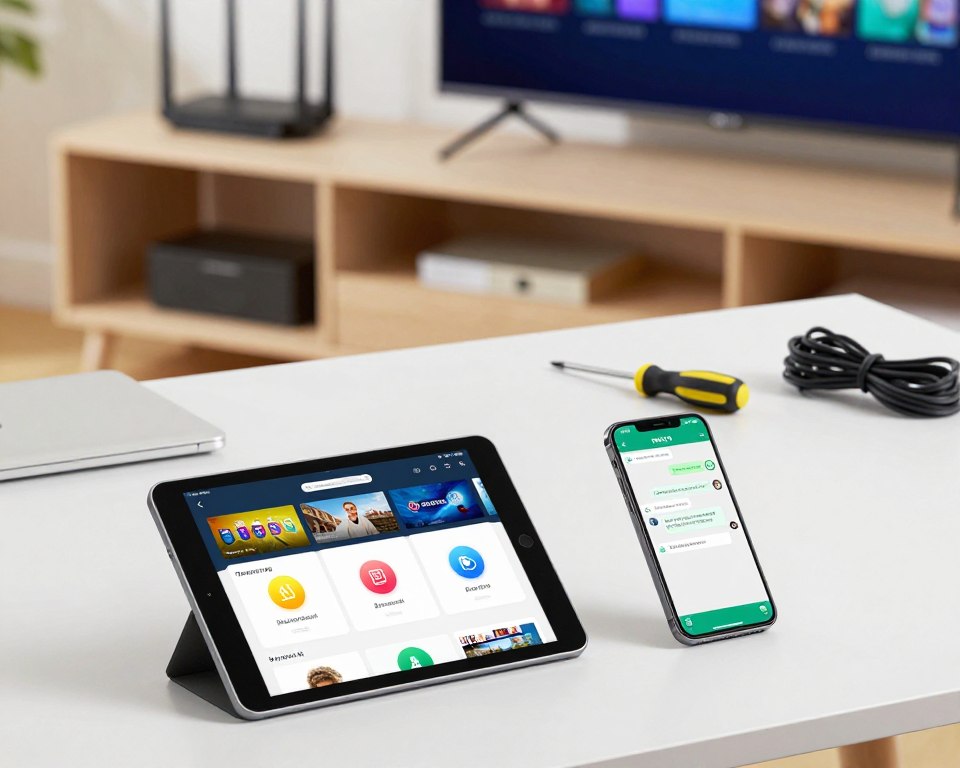
Step-by-Step Installation Guide
First, check your device compatibility. The app requires iOS 16.0 or later for full performance. Make sure your device meets this version requirement.
Next, prepare your storage. The download file is about 229.7 MB. Ensure you have enough free space before you begin.
Now, proceed with the installation. Follow the prompts on your device’s store. Once complete, open the smart player to configure your settings.
You can then import your personal media playlists. The video player supports various formats for smooth streaming. Our guide ensures success for all users, regardless of technical background.
If any issues arise, our support team has the information you need. They are ready to help you start your viewing experience quickly.
Exploring the IPTV Download App Interface
Finding your next show shouldn’t be a chore, which is why the app’s interface prioritizes simplicity and speed. From the moment you open it, everything is laid out for easy access.
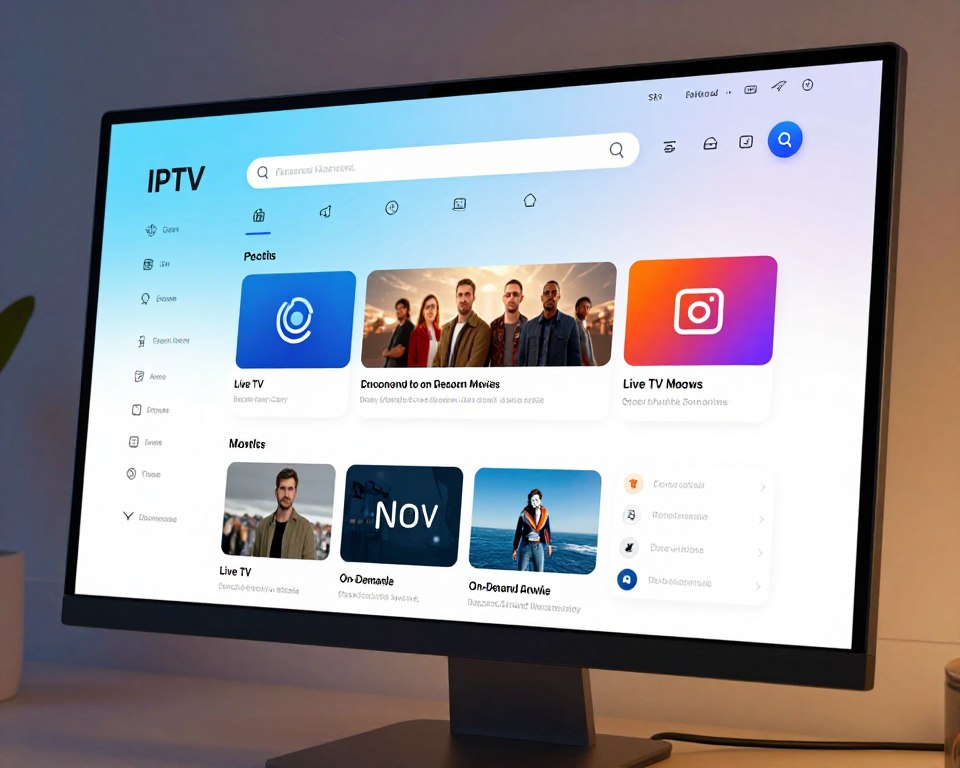
Navigating the User Dashboard
Your dashboard is the central hub for all your media. It neatly displays your playlists, favorite channels, and recently watched movies.
This clean layout helps you manage large collections without feeling overwhelmed. You can jump straight to your content with just a tap or click.
Customizing your view is simple. The settings are clearly marked, letting you adjust the app to match your personal streaming habits.
For specific device guidance, like setup on Amazon Firestick, our resources are helpful. You can also follow our simple setup guide for a smooth start.
The dashboard remembers your activity. It provides quick links to your most-watched videos, making your viewing experience effortless and personalized.
Setting Up Your IPTV Download for Seamless Streaming
Customizing how you watch content can dramatically improve your overall experience. A proper setup ensures your streams play without interruption. This involves tweaking a few settings and connecting your hardware correctly.
Customizing Your Viewing Experience
Fine-tune your player to match your preferences. Head to the main menu to adjust the aspect ratio for your screen. You can also set a sleep timer to automatically stop playback.
These simple changes make watching more comfortable. They help prevent buffering and match the video output to your display. Your personalized interface remembers these choices for next time.
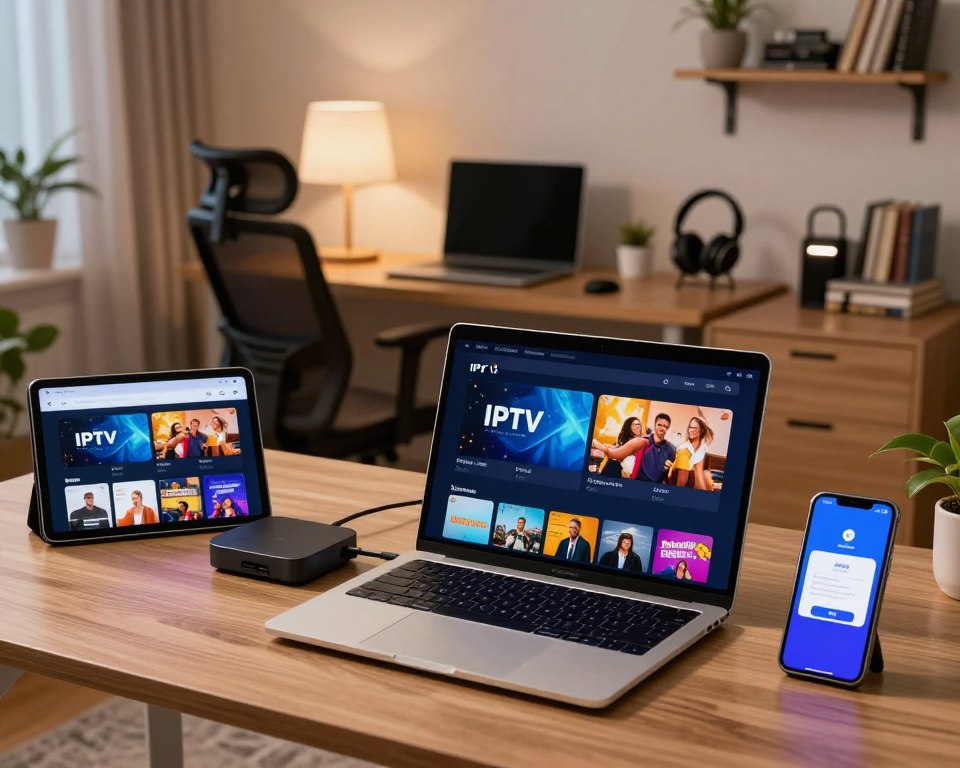
Connecting Your Devices
The app works across many platforms. It is optimized for Android phones, tablets, and TV boxes. Connecting them is straightforward for most users.
For multicast streams, a special network configuration might be needed. We recommend using a UDP-to-HTTP proxy for the best performance. This tool helps translate the stream for stable playback on your network.
Our smarters pro integration handles advanced connection settings. It keeps your link stable during high-traffic periods. For specific guidance, check our Samsung Smart TV setup guide or the iPhone installation instructions.
Following these steps ensures your device meets your media provider‘s requirements. You’ll enjoy smooth streaming on all your screens.
Benefits of Using IPTV Download for Premium Streaming
Why settle for basic playback when you can have a smart player designed for maximum performance and flexibility? Upgrading to a premium plan unlocks a superior tier of service. For just $3.99 per week or a one-time $19.99 lifetime fee, you transform your viewing experience entirely.

This investment removes all advertisements, giving you uninterrupted access to your media. It also activates powerful tools like parental control, letting you manage what content is available in your home.
Enhanced Channel Access and Video Formats
The premium version dramatically expands what you can watch and how. It supports a massive range of video formats, ensuring your favorite movies and channels play in the highest quality possible.
You get the advanced smarters pro features, which include unlimited playlist support and deep customization settings. This means your player works exactly how you want it to.
Subscribers also benefit from continuous updates. Your app stays current with the latest performance improvements and bug fixes. Once configured, perhaps following our setup on Amazon Firestick or our simple setup guide, these premium advantages work seamlessly.
Ultimately, the premium subscription isn’t just an upgrade—it’s a commitment to a better, more controlled way for users to enjoy their streaming.
Customer Reviews & Performance Insights
With over 26,000 store ratings, our media player has proven its value to a massive global audience. This feedback is crucial for our development team to enhance stability and introduce new features.

User Feedback Highlights
We have collected 92,000 reviews from users worldwide. This input helps us prioritize updates that matter most.
Our team refines data collection practices based on this feedback. It ensures our smart player remains a top-tier choice for personal media.
| Metric | Detail | Impact |
|---|---|---|
| Store Ratings | 26K+ | High user trust & satisfaction |
| Latest Version | 4.5 | Recent performance improvements |
| Update Frequency | Regular patches | Consistent bug fixes & new features |
| Lead Developer | Dmitri Iasibasi | Accountability for quality & updates |
Update History and Bug Fixes
Version 4.5 was released just six days ago. It includes minor bug fixes and UI/UX updates for smoother operation.
Led by seller Dmitri Iasibasi, our team is committed to excellence. Regular patches address performance issues and enhance smarters pro functionality.
For a smooth experience on your television, follow our guide for setup on LG Smart TV. This ensures you get the best from the latest version.
Advanced Features and Personalization Options
Advanced settings transform a simple player into your own media command center. This is where you fine-tune everything to match your habits.
You get granular control over your library and how you interact with it. These tools make the app truly yours.
Smart IPTV Settings and Parental Controls
The smart iptv settings give you detailed command over your media. You can organize playlists and manage app extensions with precision.
Parental control is a key feature for families. Set a passcode on specific playlists to restrict access to sensitive content.
Robust permissions management keeps your data secure. You decide what information the player can access on your device.
Managing Playlists and App Extensions
Easily import your own M3U url files to expand your channel list. This keeps your media player filled with your preferred shows.
Our app extensions add more functionality for users. They let you customize your device experience to fit your viewing habits.
These extensions work with the latest version of our smarters pro tools. For a smooth start with these advanced features, follow our step-by-step installation guide.
| Control Feature | Basic Setting | Advanced Option |
|---|---|---|
| Playlist Management | Add/Remove files | Set passcodes & sort by genre |
| App Permissions | Standard device access | Granular data privacy controls |
| Extension Support | Not available | Add custom tools & widgets |
| Video Playback | Standard quality | Adjust buffer & aspect ratio |
These options ensure your video player performs exactly how you want. For detailed setup on a computer, see our Windows installation guide.
Troubleshooting and Immediate Support via WhatsApp
Our dedicated support channel is designed to solve problems fast, so you can get back to watching. Technical issues are rare, but we know they can be frustrating when they pop up.
How to Contact Support at +12679961061
If your playlist won’t load or you have trouble with a streaming url, don’t wait. Message our team on WhatsApp at +12679961061 for instant help.
Our trained support staff provides clear information and step-by-step fixes. They will guide you through any technical glitch with your app or player.
You can reach out for quick assistance in several common situations:
- Playlist or url loading errors
- Configuration help for your device settings
- Questions about smarters pro features
- General troubleshooting for smooth video playback
We give you the info needed to resolve issues quickly. This keeps your viewing experience enjoyable and uninterrupted.
Our commitment to support means we’re always here. We provide reliable solutions so all users can enjoy their favorite videos without hassle.
Maximizing Your “iptv download” Experience
Getting the most from your streaming setup involves a few simple but effective habits. These steps keep your player running smoothly and your content easy to find.
Best Practices for Channel Setup and Streaming
Always verify your media provider‘s url is current and formatted correctly in the app. An outdated link is a common cause of playback errors.
Organize your playlists into clear folders. This helps users navigate their library quickly without confusion.
Check your provider‘s terms of service. This ensures your usage complies with all regulations and keeps your access secure.
Manage app permissions carefully. Only grant access needed for video playback to protect your device.
Regular updates bring new features and fixes. Keep your version current for the best streaming experience.
| Best Practice | Why It Matters | Quick Tip |
|---|---|---|
| Update Provider URL | Prevents broken streams and buffering | Check your provider’s info page monthly |
| Organize Playlists | Saves time finding favorite channels | Use genre-based folder names |
| Review App Permissions | Enhances device security and privacy | Deny access to unrelated functions |
| Install Updates | Accesses latest features and bug fixes | Enable auto-update in your store settings |
For a hassle-free start, follow our simple setup guide. It walks you through these best practices step-by-step.
Conclusion
A powerful media experience is built on trust, control, and seamless performance. Our platform offers a comprehensive, user-friendly solution for managing your digital library.
You get reliable access to your personal content with ease. We prioritize your security and peace of mind.
By adhering to our clear privacy policy and terms of service, you enjoy a safe, personalized viewing experience on any device. This commitment protects your data.
To unlock the full potential, explore the advanced features of our player. Our dedicated support team is committed to your complete satisfaction.
For a smooth start, follow our step-by-step installation guide. Thank you for choosing us as your primary provider for high-quality streaming.