How to install Ibo Player Pro on LG smart TV?
Ibo Player Pro on LG smart tv has gained recognition as a versatile media player, offering users a centralized platform for enjoying various types of content. Its user-friendly interface and support for multiple formats have made it a popular choice for media enthusiasts. If you own an LG Smart TV, you might be wondering how to bring the features of Ibo Player Pro to your big screen. This guide will walk you through checking for its availability on the LG Content Store and explore potential alternative methods.
Understanding Ibo Player Pro
Ibo Player Pro on LG smart TV is designed to streamline your media playback experience. It typically supports a wide array of video and audio formats, often includes playlist management features, and may offer compatibility with different streaming protocols or content sources. Its adaptability makes it a sought-after application for users looking for a comprehensive media solution. Let’s investigate how you can potentially get it on your LG Smart TV.
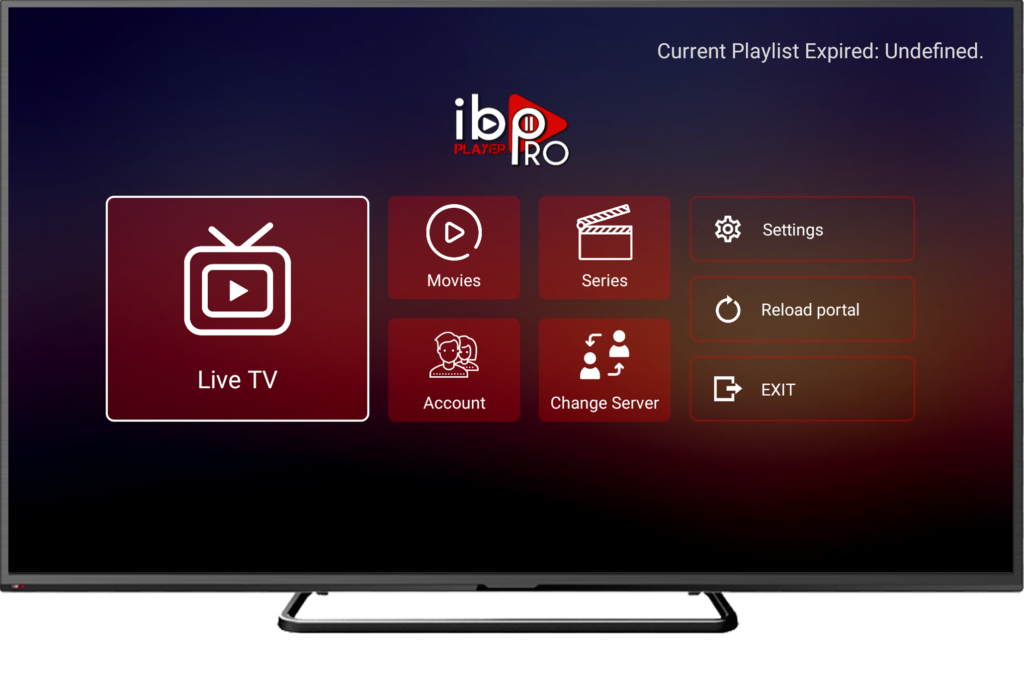
Checking the LG Content Store for Ibo Player Pro
The primary and safest way to install ibo player pro on LG Smart TV is through the official LG Content Store (formerly known as LG App Store). Here’s how to check if Ibo Player Pro is available:
- Power on your LG Smart TV and ensure it is connected to the internet.
- Press the Home/Smart button on your LG remote. This will typically bring up the LG Smart menu.
- Navigate to and select the LG Content Store (it might be represented by a shopping bag icon or labeled as “LG Store” or “Apps”).
- Once inside the LG Content Store, look for the Search option. This is usually located at the top of the screen and might be represented by a magnifying glass icon.
- Using the on-screen keyboard, type “Ibo Player Pro” into the search bar and press the Enter or Search button.
- Carefully review the search results. If Ibo Player Pro is available in your region’s LG Content Store, it should appear in the list of apps.
- If you find “Ibo Player Pro”, select the app icon and click on the Install button to begin the download and installation process.
- Follow any on-screen prompts or instructions to complete the installation. Once installed, you should be able to find the app in your list of installed applications on the LG Smart TV menu.
What if Ibo Player Pro is Not Available in the LG Content Store?
If your search in the LG Content Store does not yield any results for Ibo Player Pro, it indicates that the app is not officially available for direct installation on LG Smart TVs at this time. This could be due to several reasons, including the app not being developed for LG’s webOS platform, regional restrictions, or other business decisions by the app developers.
Exploring Alternative Methods (Use with Caution)
If Ibo Player Pro is not available in the LG Content Store, direct installation on your LG Smart TV becomes challenging. LG’s webOS platform is a closed ecosystem, which generally restricts the installation of apps from outside its official store. However, here are a few potential (though often limited or not feasible) alternatives to consider, keeping in mind their limitations and potential drawbacks:
- Screen Sharing/Mirroring: You might be able to mirror the screen of a smartphone, tablet, or computer (where Ibo Player Pro is installed) onto your LG Smart TV. This functionality depends on whether your devices support screen sharing technologies like Miracast or Chromecast (either built-in or via a connected device). The quality and performance can vary.
- Using a Third-Party Streaming Device: A more reliable alternative is to use an external streaming device such as an Amazon Fire Stick, Roku, or Google Chromecast with Google TV. These devices have their own app stores, and if Ibo Player Pro is available on their platform (especially those running on Android TV), you can install it there and connect the device to your LG TV via an HDMI port. You would then use the streaming device’s interface to access Ibo Player Pro.
- Web Browser (Limited Functionality): Some LG Smart TVs have a built-in web browser. If Ibo Player Pro offers a web-based interface, you might be able to access it through the browser. However, the functionality and user experience are often less optimized compared to a dedicated app.
Check out our IPTV service subscriptions!
Important Considerations for Alternatives:
- Compatibility: Not all alternative methods will work seamlessly with all LG Smart TV models or all devices.
- Performance: Streaming via mirroring or web browsers might not offer the same smooth and integrated experience as a native app.
- Security Risks: Attempting to sideload apps on LG Smart TVs from unofficial sources is generally complex and can pose security risks to your device. It is not recommended for most users.
- App Updates: Apps used via alternative methods might not receive automatic updates on your LG TV.
Conclusion
The most straightforward and recommended way to install Ibo Player Pro on LG Smart TV is through the official LG Content Store. If the app is not currently listed there, it is not officially supported for direct installation on the webOS platform. While alternative methods like screen mirroring or using third-party streaming devices exist, they come with their own set of considerations. The best approach is to check the LG Content Store periodically for any updates regarding the app’s availability.
Contact us if you have any question!
Frequently Asked Questions (FAQ)
Is Ibo Player Pro officially available on the LG Content Store?
The availability of Ibo Player Pro on LG smart tv Content Store can vary depending on your region and the app developer’s decisions. The best way to find out is to search for it directly within the LG Content Store on your TV.
Why can’t I find Ibo Player Pro in the LG Content Store?
If Ibo Player Pro is not listed in the LG Content Store, it likely means that the app has not been developed for LG’s webOS platform or there are regional restrictions in place.
Can I sideload Ibo Player Pro onto my LG Smart TV?
Sideloading apps on LG Smart TVs is generally not a straightforward process and can carry potential risks. It’s typically not recommended for the average user due to the complexity and potential for system instability or security issues.
Will Ibo Player Pro ever be available on the LG Content Store in the future?
App availability on smart TV platforms can change over time. It’s advisable to periodically check the LG Content Store for new app additions or announcements from the developers of Ibo Player Pro.
What are the safest ways to watch Ibo Player Pro on LG Smart TV if the app isn’t available?
The safest alternatives are usually screen mirroring from a device where Ibo Player Pro is installed or using a compatible third-party streaming device (like a Fire Stick or Chromecast) connected to your LG TV.
Do all LG Smart TV models have the same app availability on the LG Content Store?
While the core app selection is generally consistent across LG Smart TV models within the same region, there might be minor variations depending on the TV’s model year and specifications.